
Every project, one screen
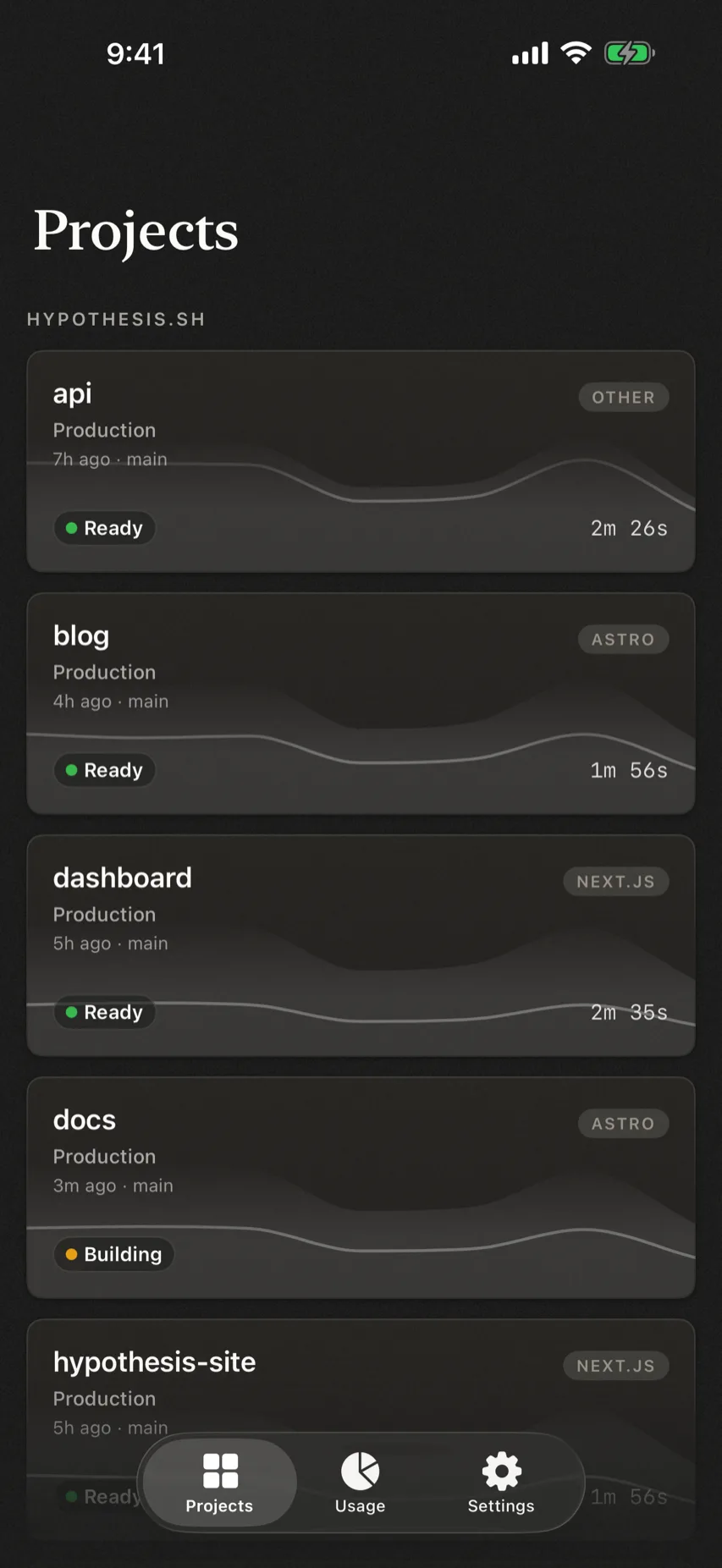
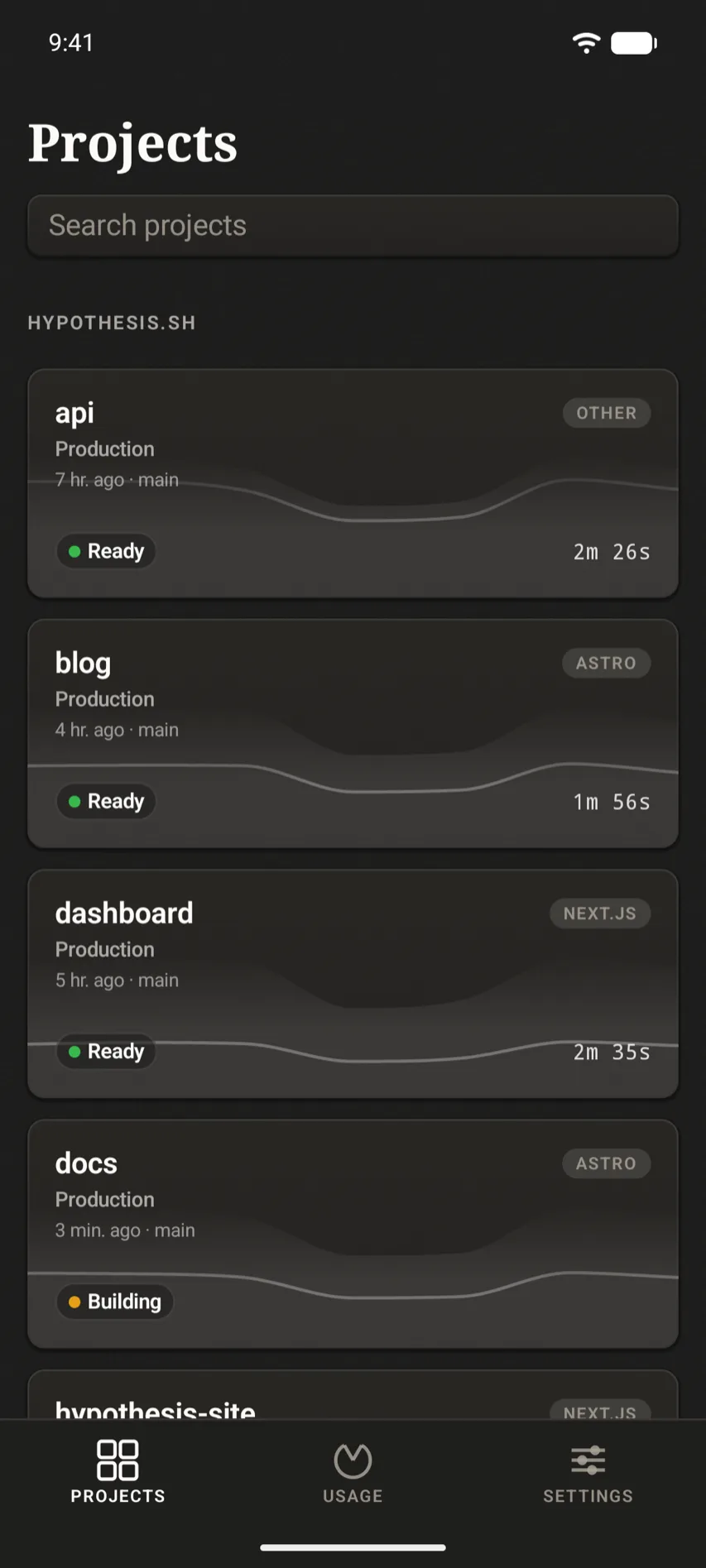
Projects and their latest deployment, with framework and status. Aggregates projects across teams you have access to.
Scalene · Native Vercel client
A native iPhone, iPad, Mac, and Apple Watch client for Vercel. Check deployments, read build logs, track usage, and get a push when a deploy finishes or fails.A native Android client for Vercel. Check deployments, read build logs, track usage, and get a push when a deploy finishes or fails.
Deep integration with the Apple ecosystem means you also get homescreen widgets, Live Activities, and more!Deep integration with Android means you also get home screen widgets and Live Updates.
Choose your platform
0101 · What it does
Scalene stores your credentials securely, keeping them private.
Projects and their latest deployment, with framework and status. Aggregates projects across teams you have access to.
View your recent builds for every project.
Time-series traffic, plus ranked breakdowns by page, referrer, and country. It's what you're used to from Vercel, but just a glance away.
Current-period usage broken down by service and project, so you can keep an eye on the bill.
iPhone
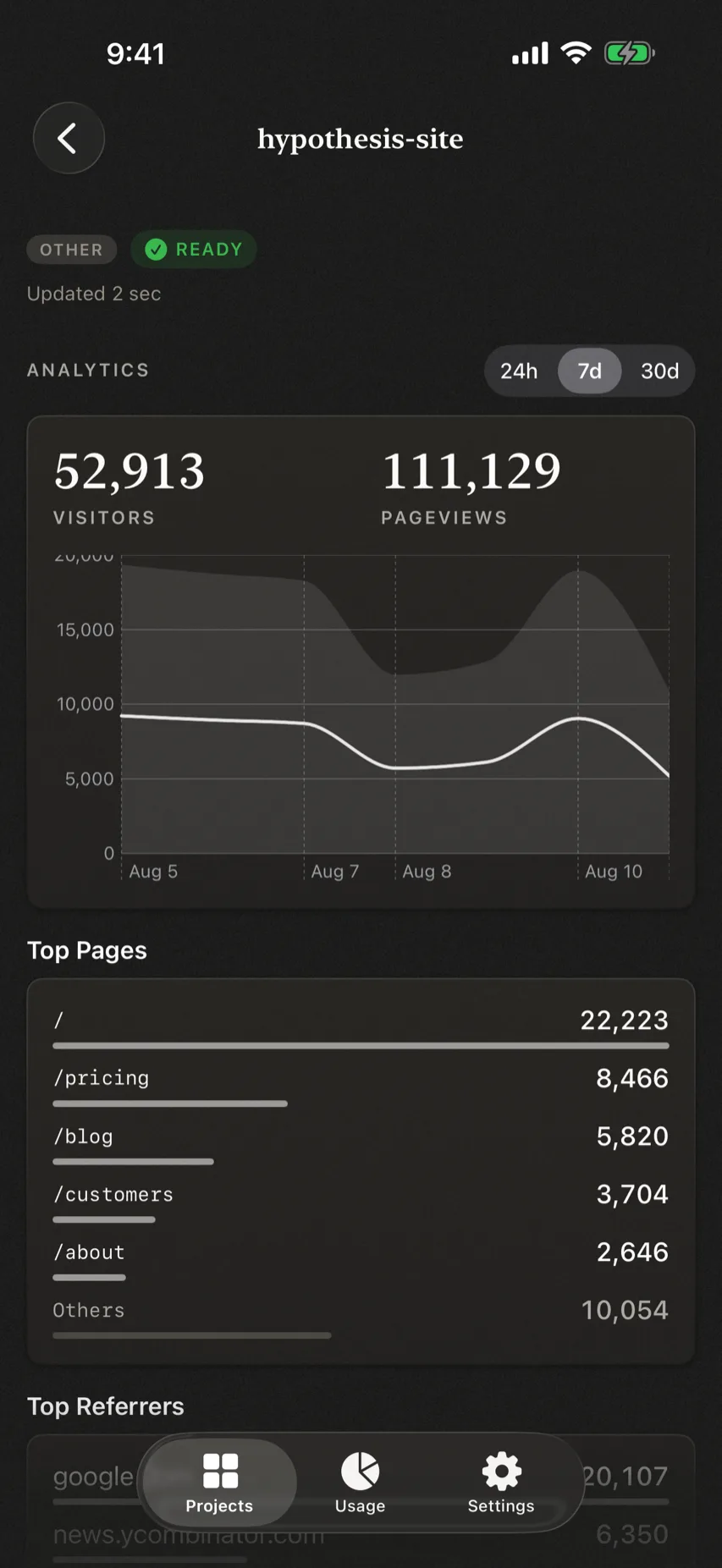
Analytics01/04
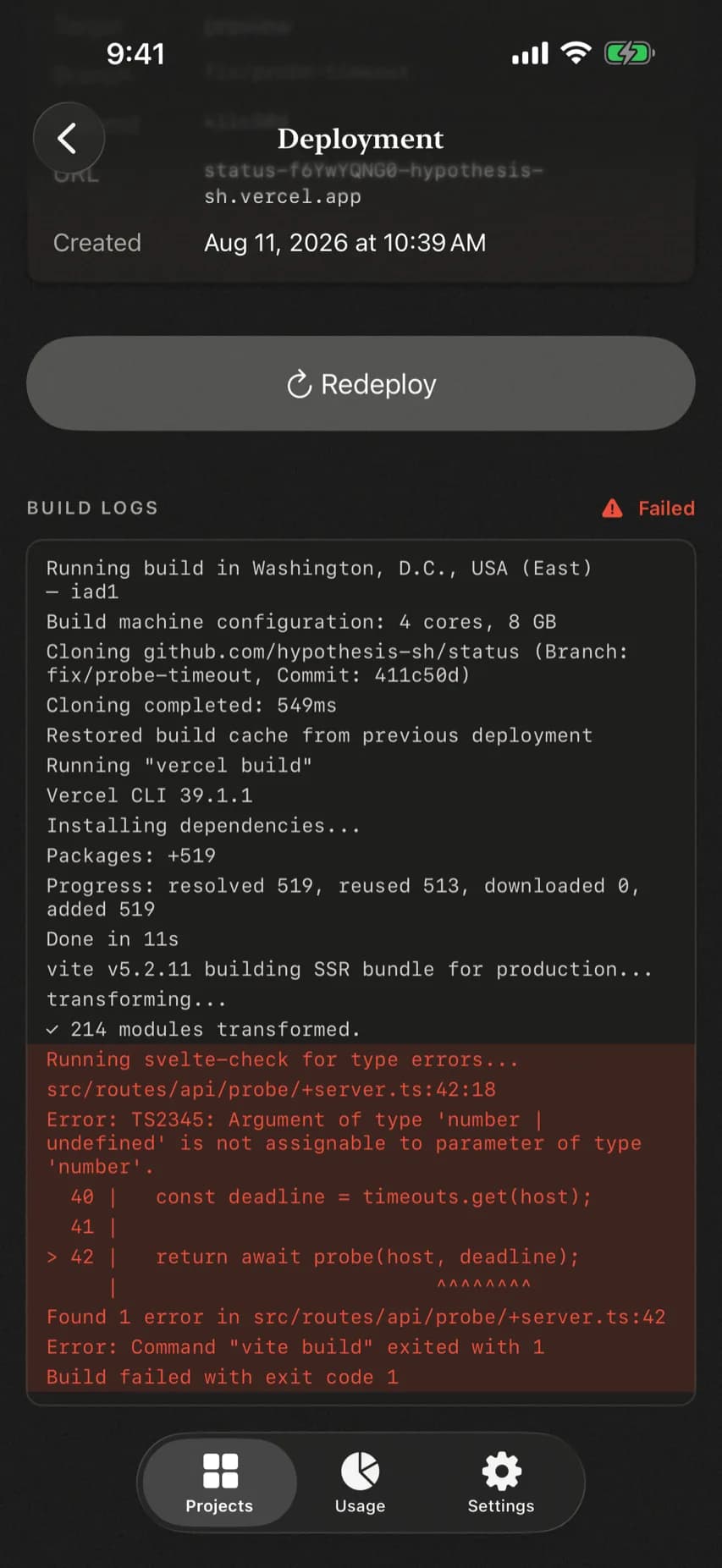
Build logs02/04
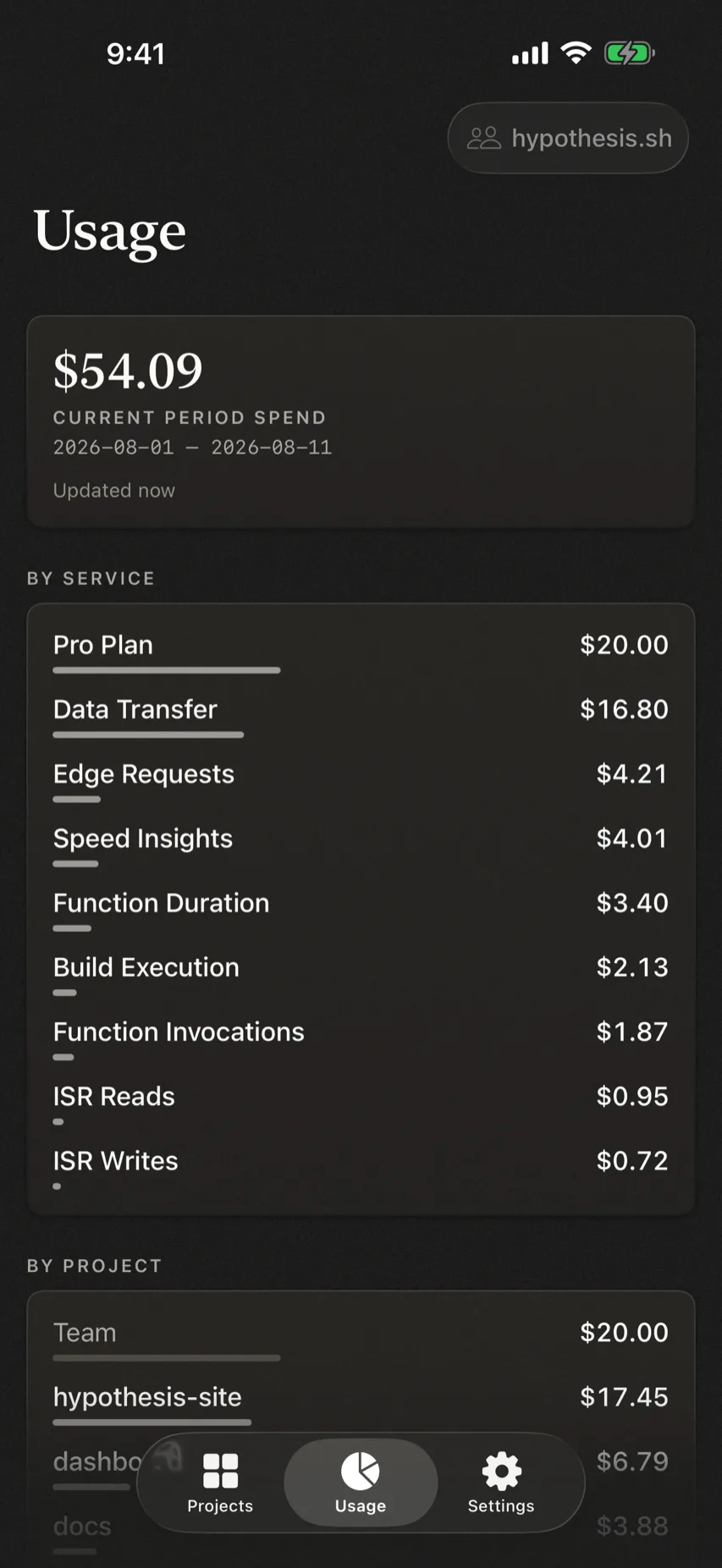
Usage03/04
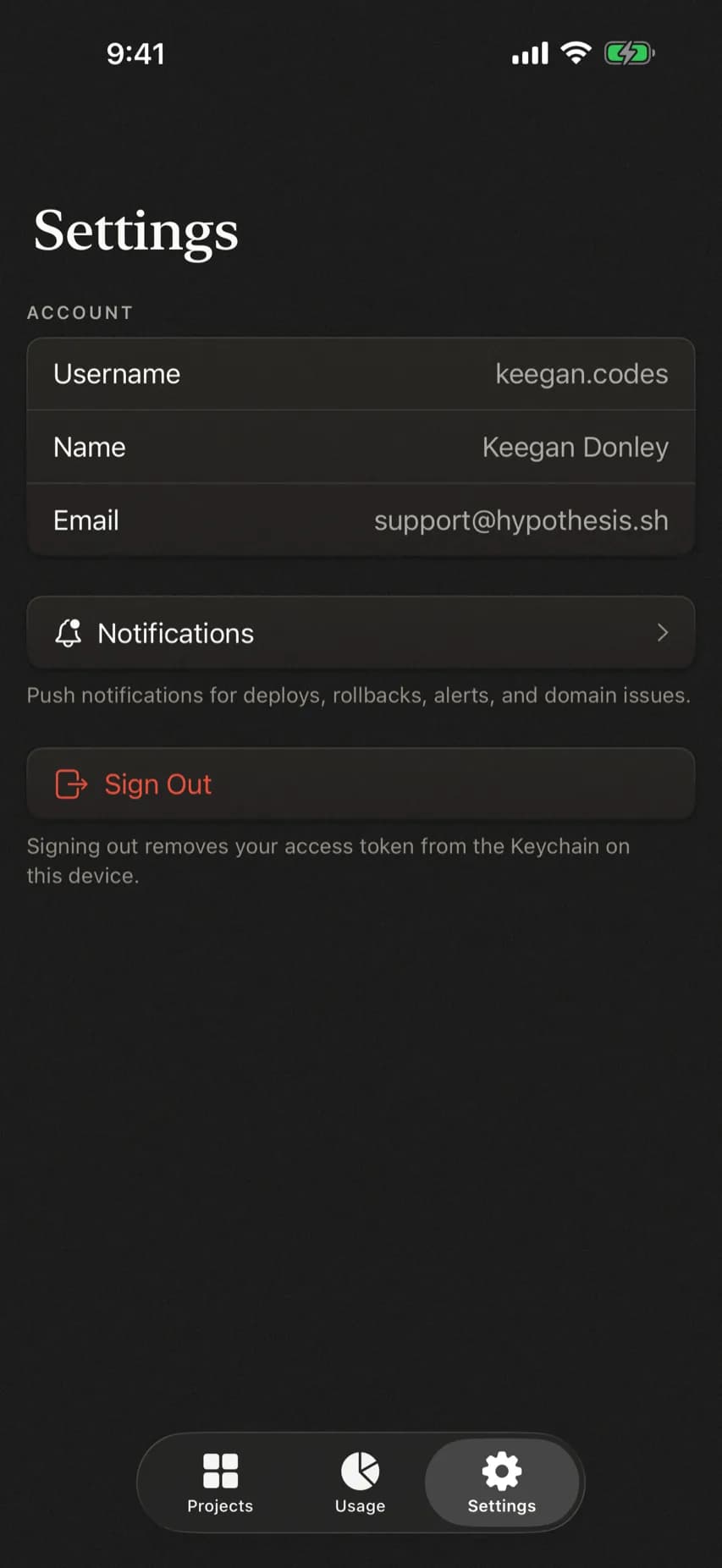
Settings04/04
Android
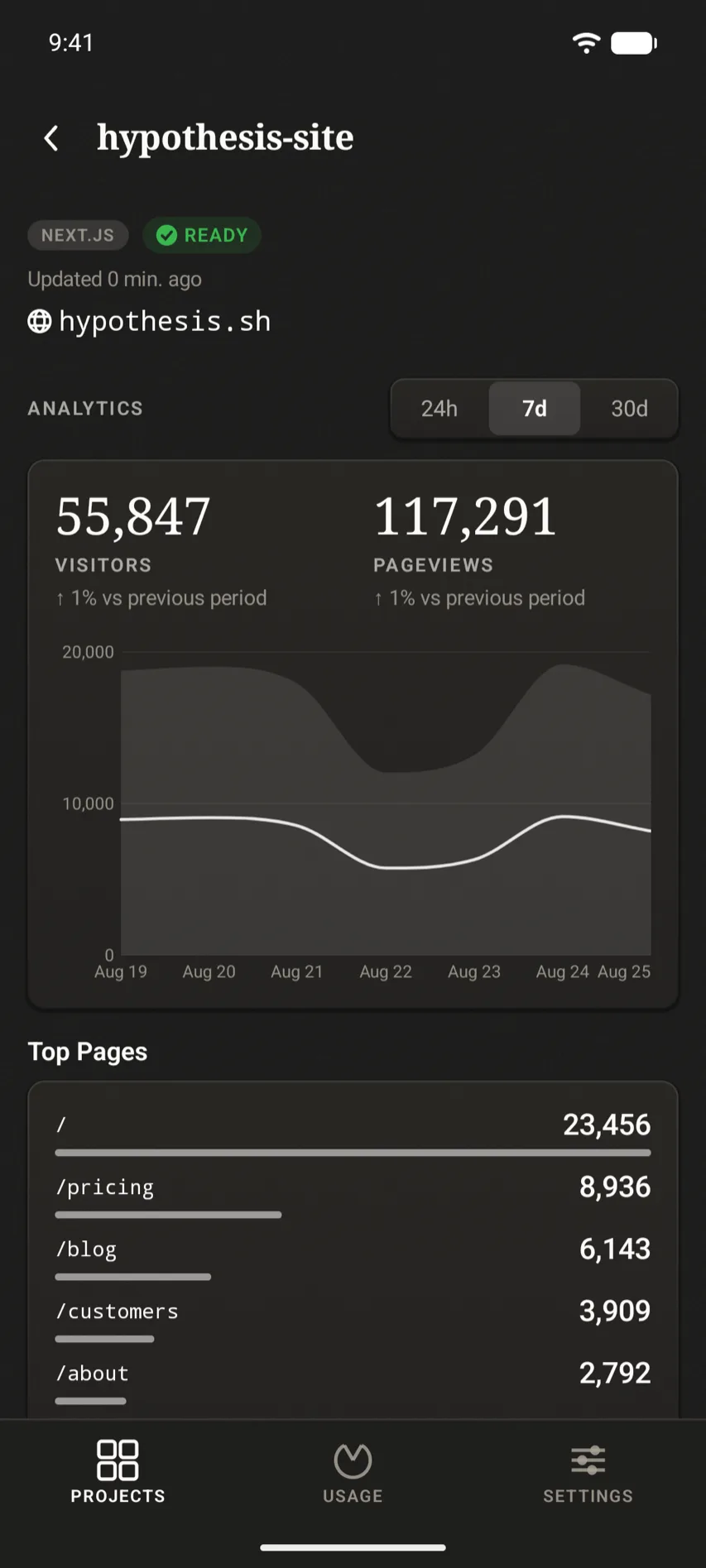
Analytics01/04
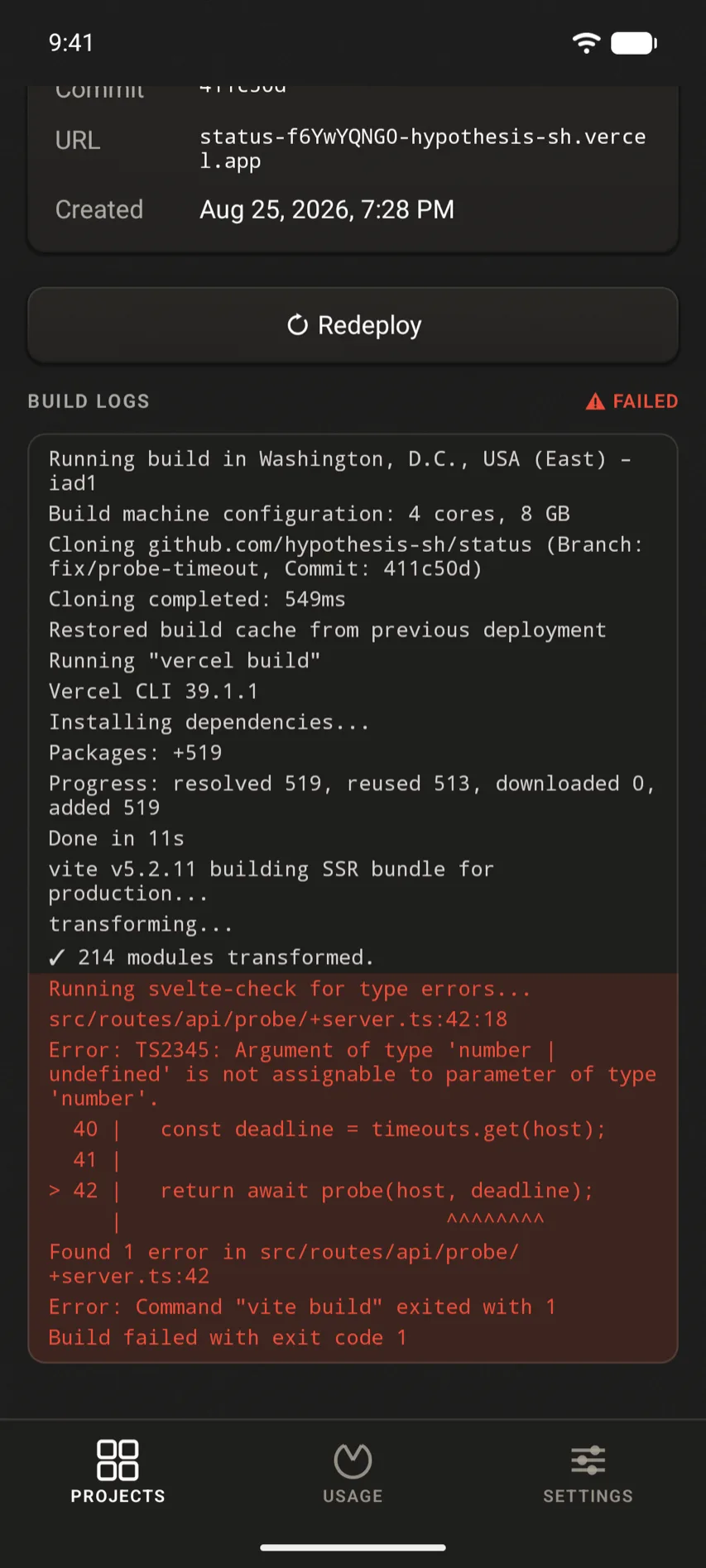
Build logs02/04
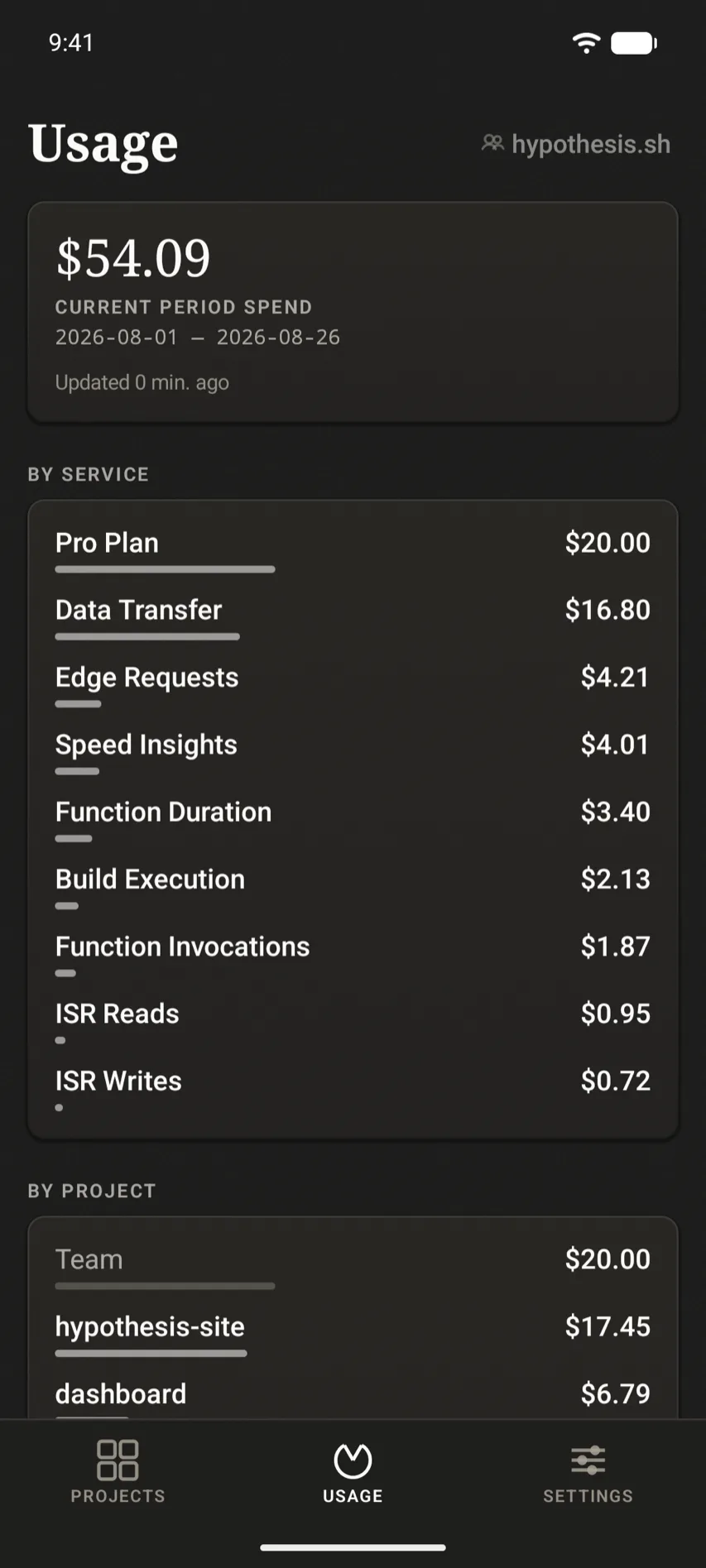
Usage03/04
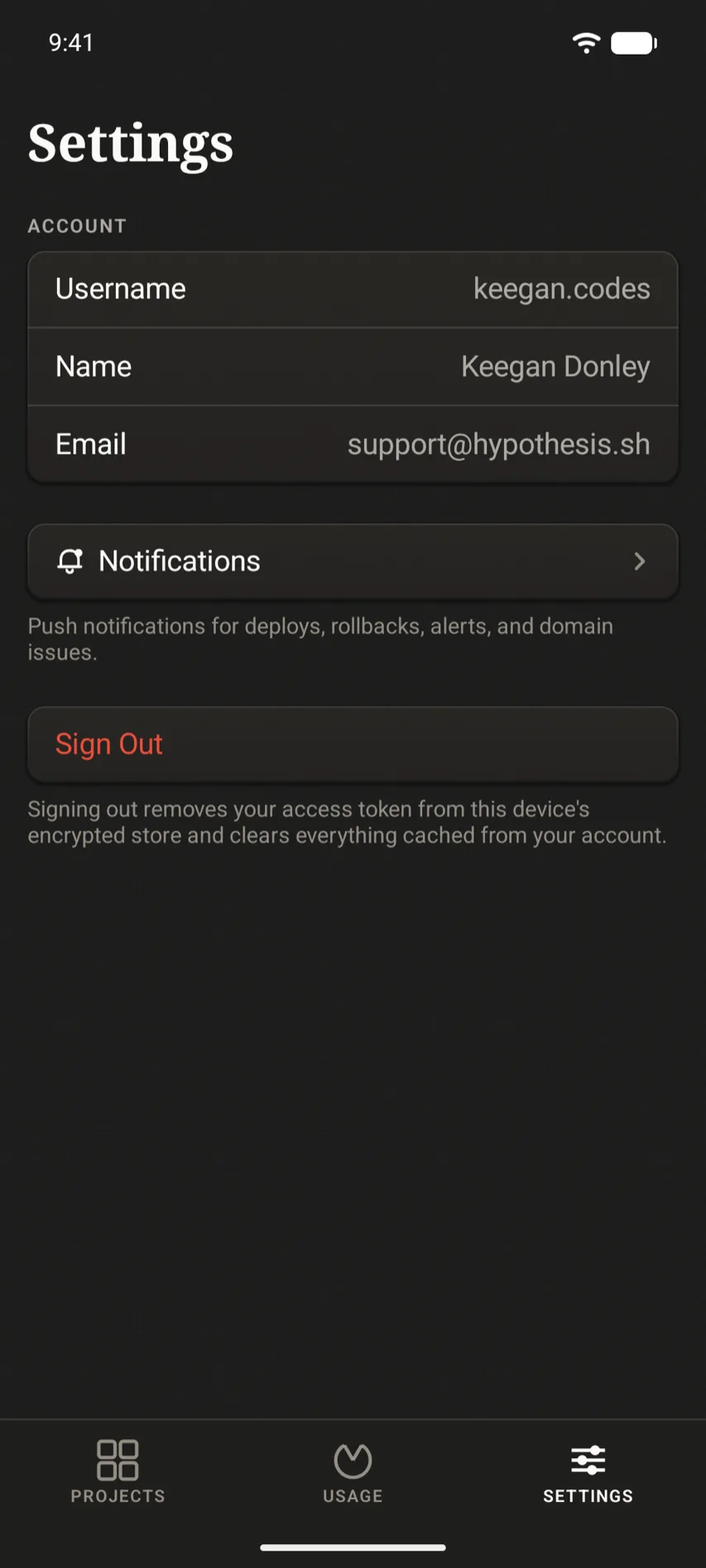
Settings04/04
02 · Beyond the iPhone
Deep integration in the Apple ecosystem means Scalene works on all your devices - even your watch.
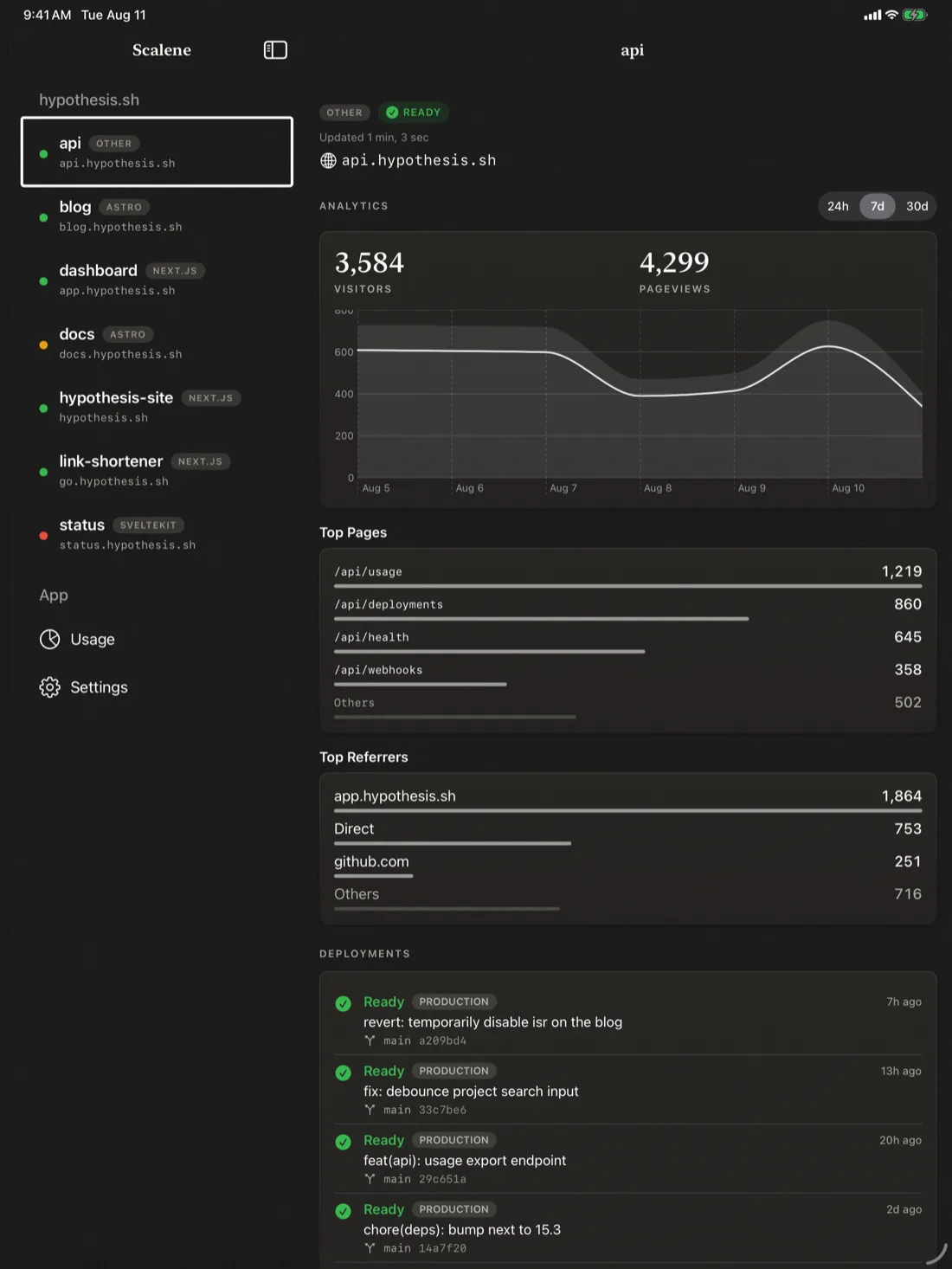
More room on screen, so projects, logs, and analytics get the space they need.
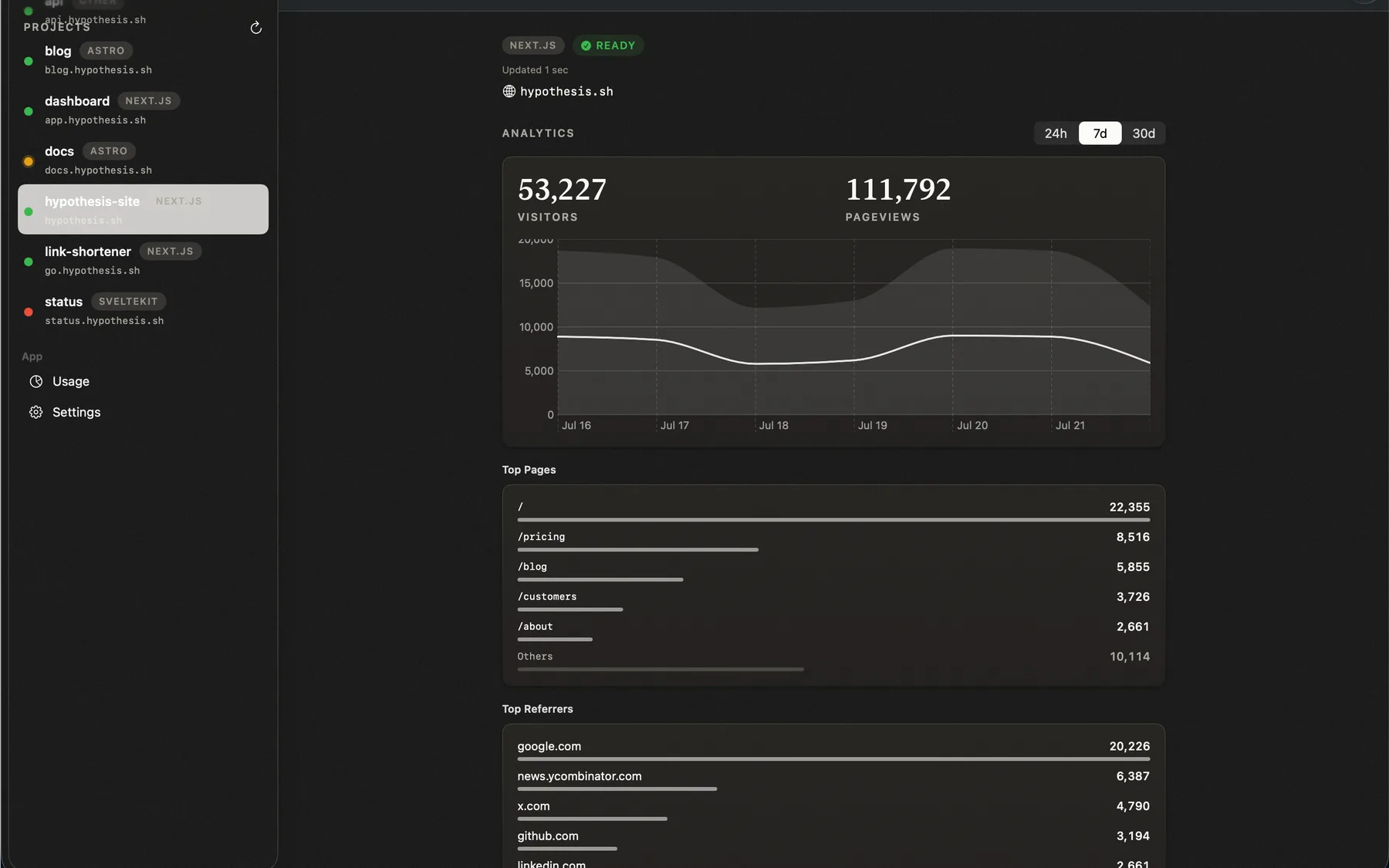
A native Mac app.
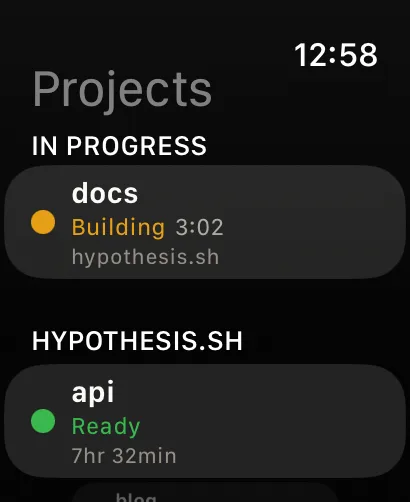
Deployment status on your wrist, plus a complication for your latest project.
0302 · Push notifications
Succeeded, failed, cancelled, or stuck in checks. Pick which deployment events you want pushed, and Scalene runs the relay.
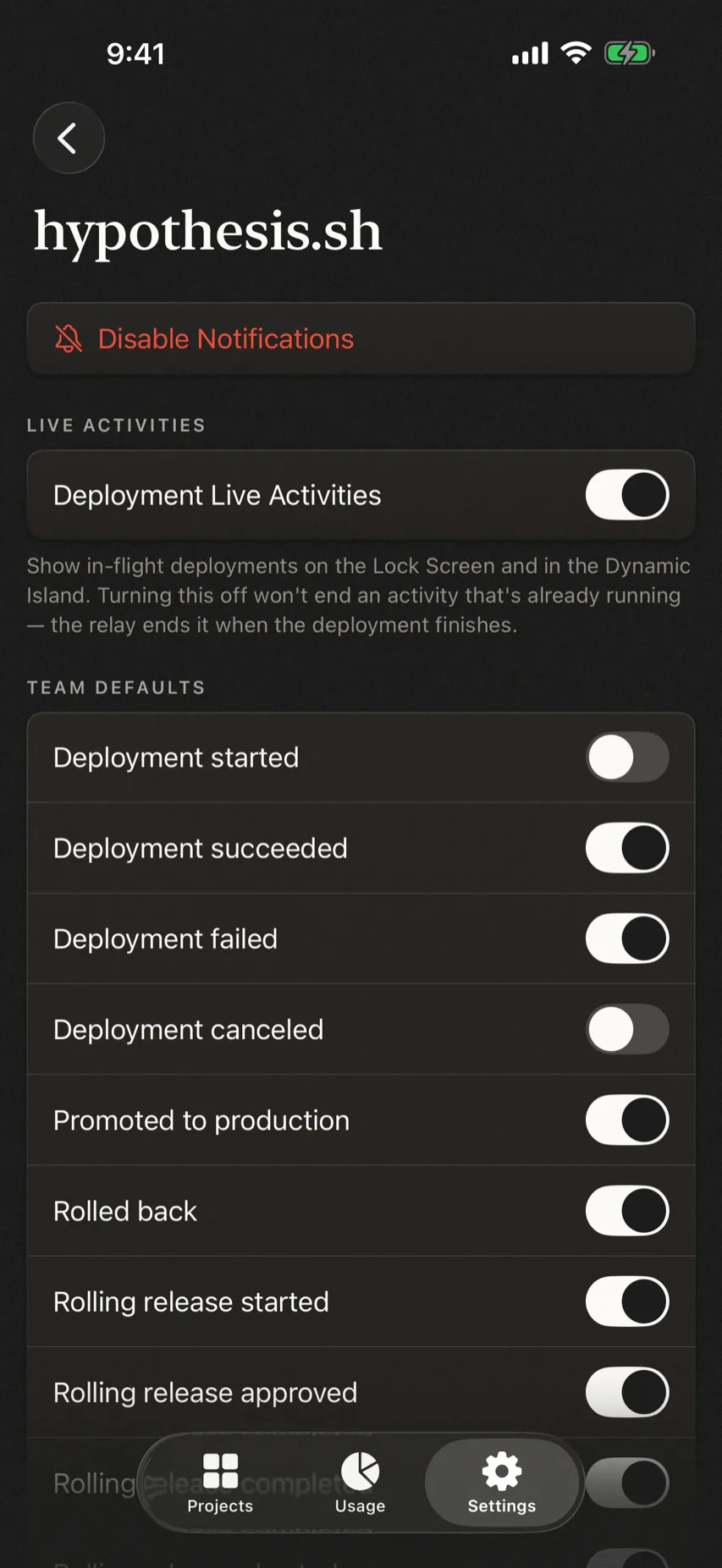
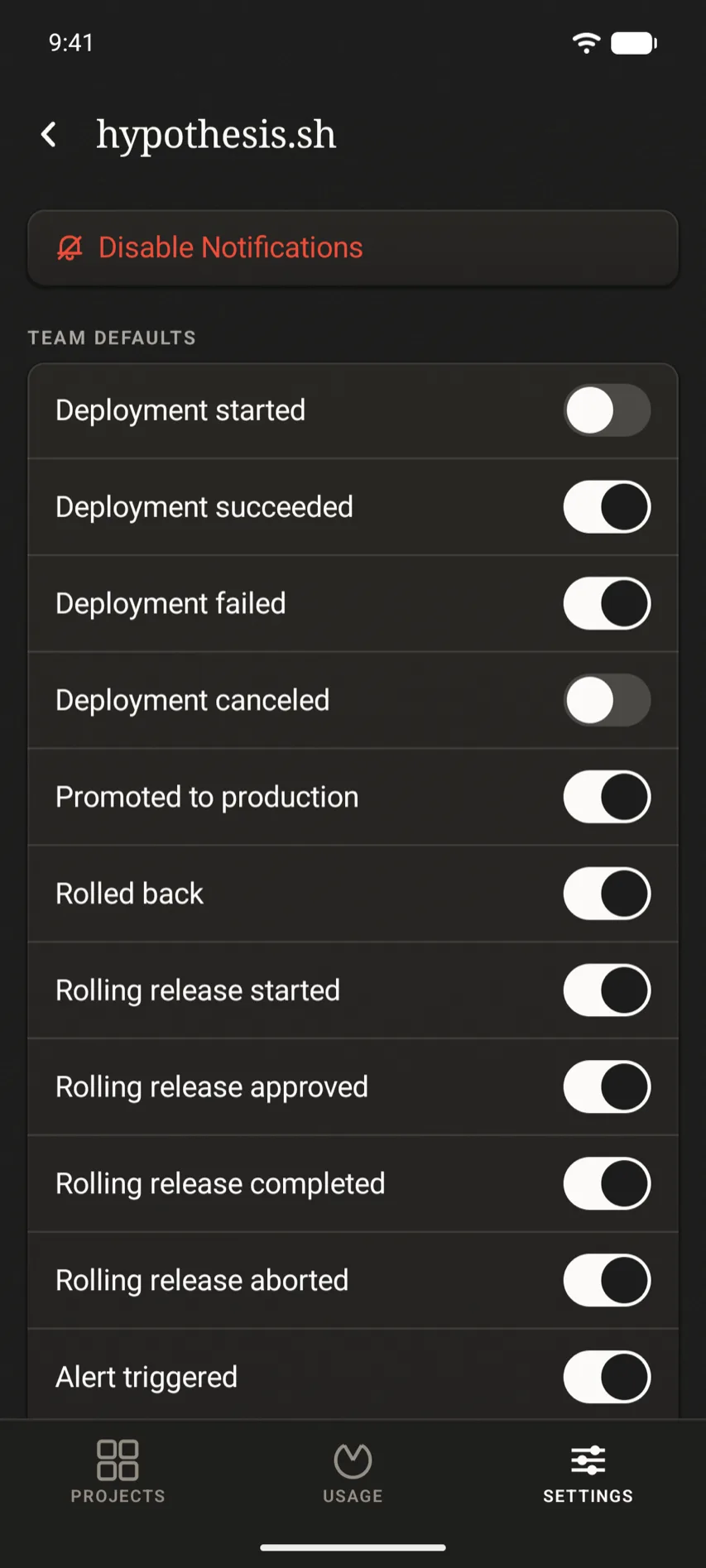
Notification system
04 · Widgets
Pin project status and traffic trends to your Home Screen and Lock Screen with widgets. When a deploy is building, a Live Activity follows it on the Lock Screen and Dynamic Island.
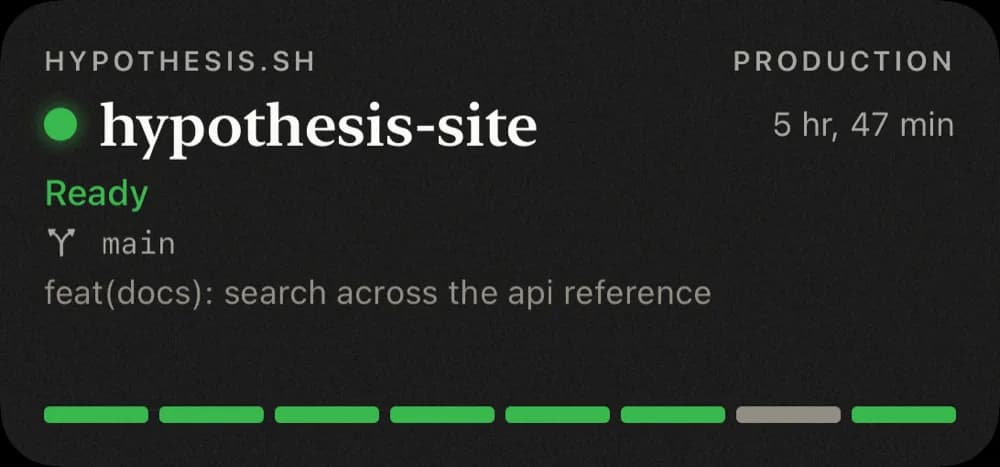
Home Screen · project status
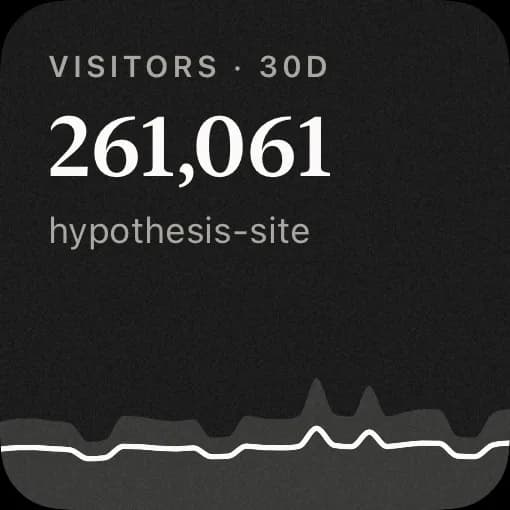
Home Screen · traffic
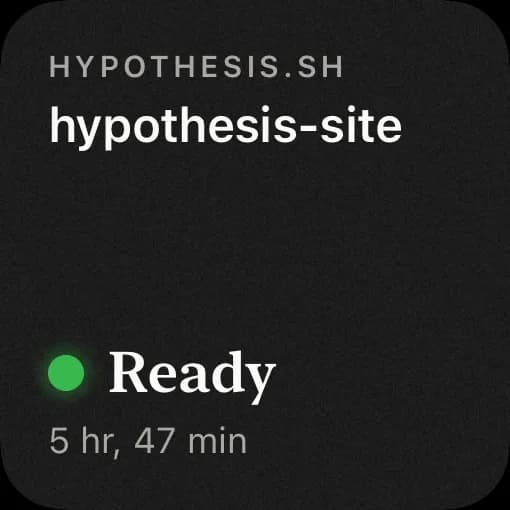
Home Screen · compact

Live Activity · deploy in progress
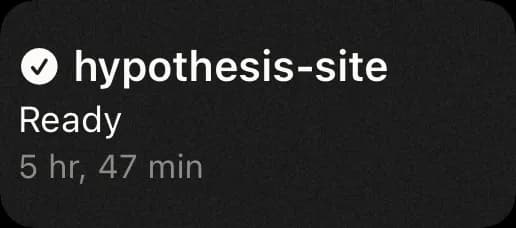
Lock Screen
03 · Widgets
Pin project status and traffic trends to your home screen with widgets. When a deploy is building, a Live Update follows it in the notification shade and on the lock screen.
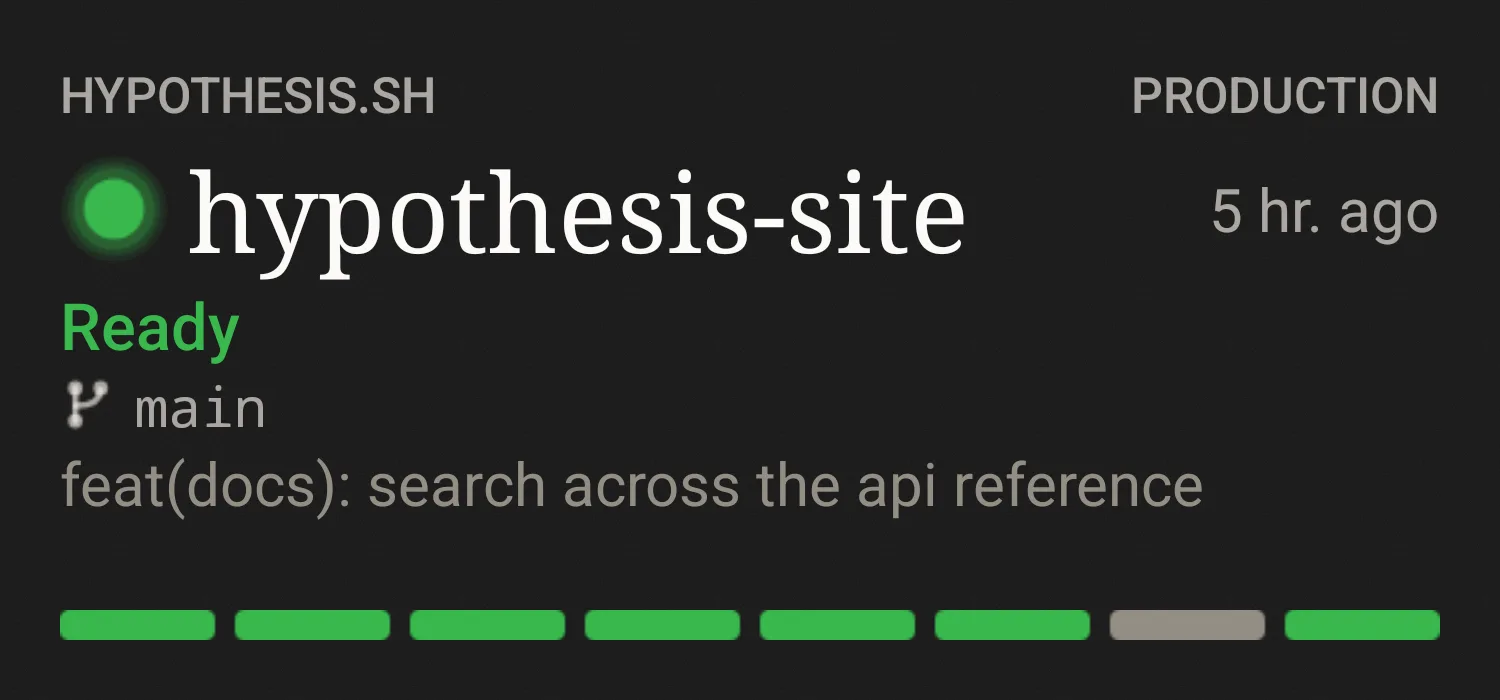
Home screen · project status
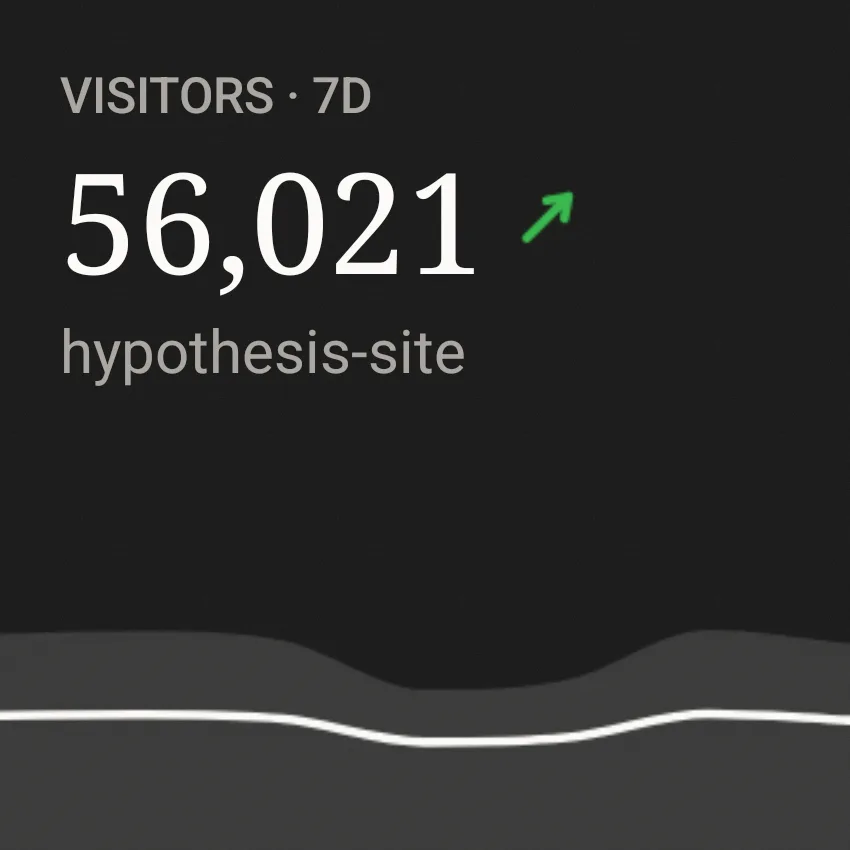
Home screen · traffic
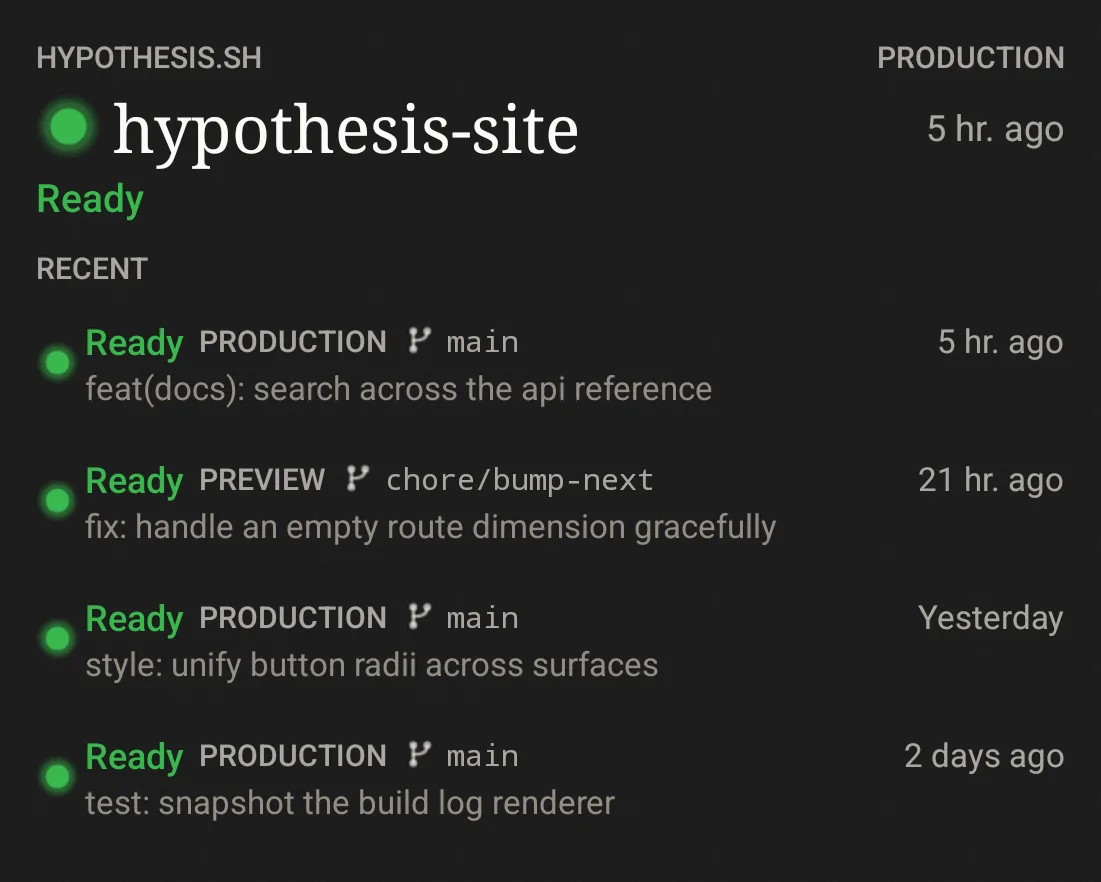
Home screen · recent deploys

Home screen · compact

Live Update · deploy in progress
0504 · Your credentials
Scalene requires no additional account, just enter your vercel API token.
Your Vercel API token stays in the system Keychain. It is never written to Scalene’s servers.Your Vercel API token is encrypted with an Android Keystore key. It is never written to Scalene’s servers.
The push relay keeps a device token, team and project IDs, notification preferences, and the secret needed to verify Vercel webhooks (not your account token).
There is no third-party telemetry in the app, no advertising identifier, and nothing to opt out of.